
Not a member of Pastebin yet?
Sign Up,
it unlocks many cool features!
- Yes — there are several **free** (and in some cases open-source) analog circuit simulators you can use to simulate current flow, voltages, AC/DC behaviour etc. Here are some good ones (given your engineer-philosopher background they’ll give you both the mechanics and the “why it works” side):
- ---
- ### ✅ Good choices
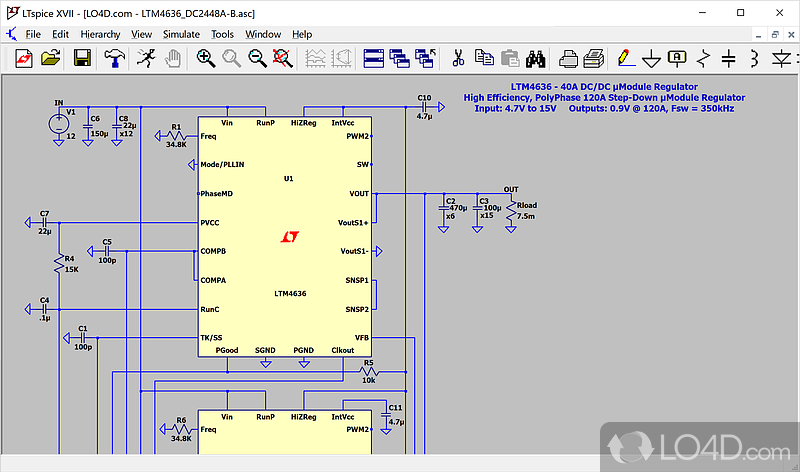
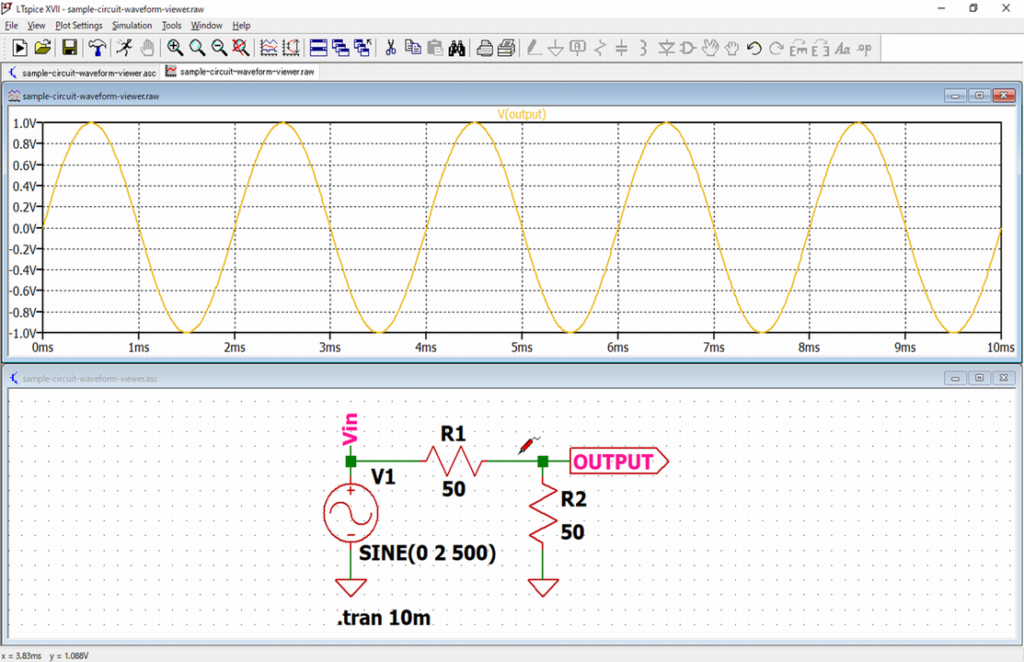
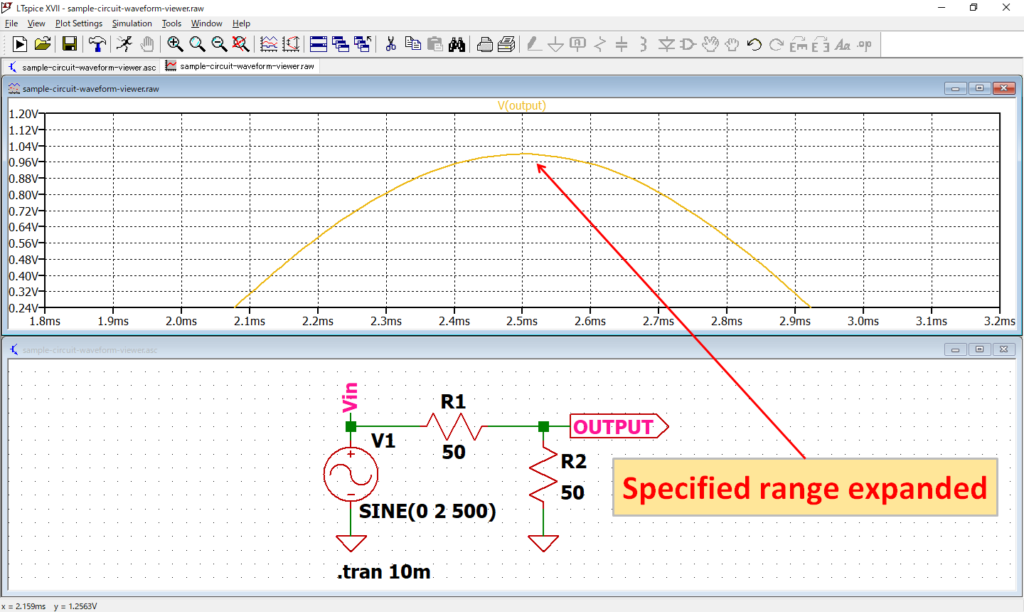
- 1. LTspice — A widely used, free (though not open-source) SPICE-based simulator from Analog Devices. It supports DC, AC, transient simulations, has a waveform viewer, and is especially strong for analog / power circuits. ([Analog Devices][1])
- 
- 
- 
- 
- 
- 
- * **Why it’s good**: Mature, large community, lots of models available.
- * **Consideration**: Learning curve exists (SPICE syntax, understanding simulation types).
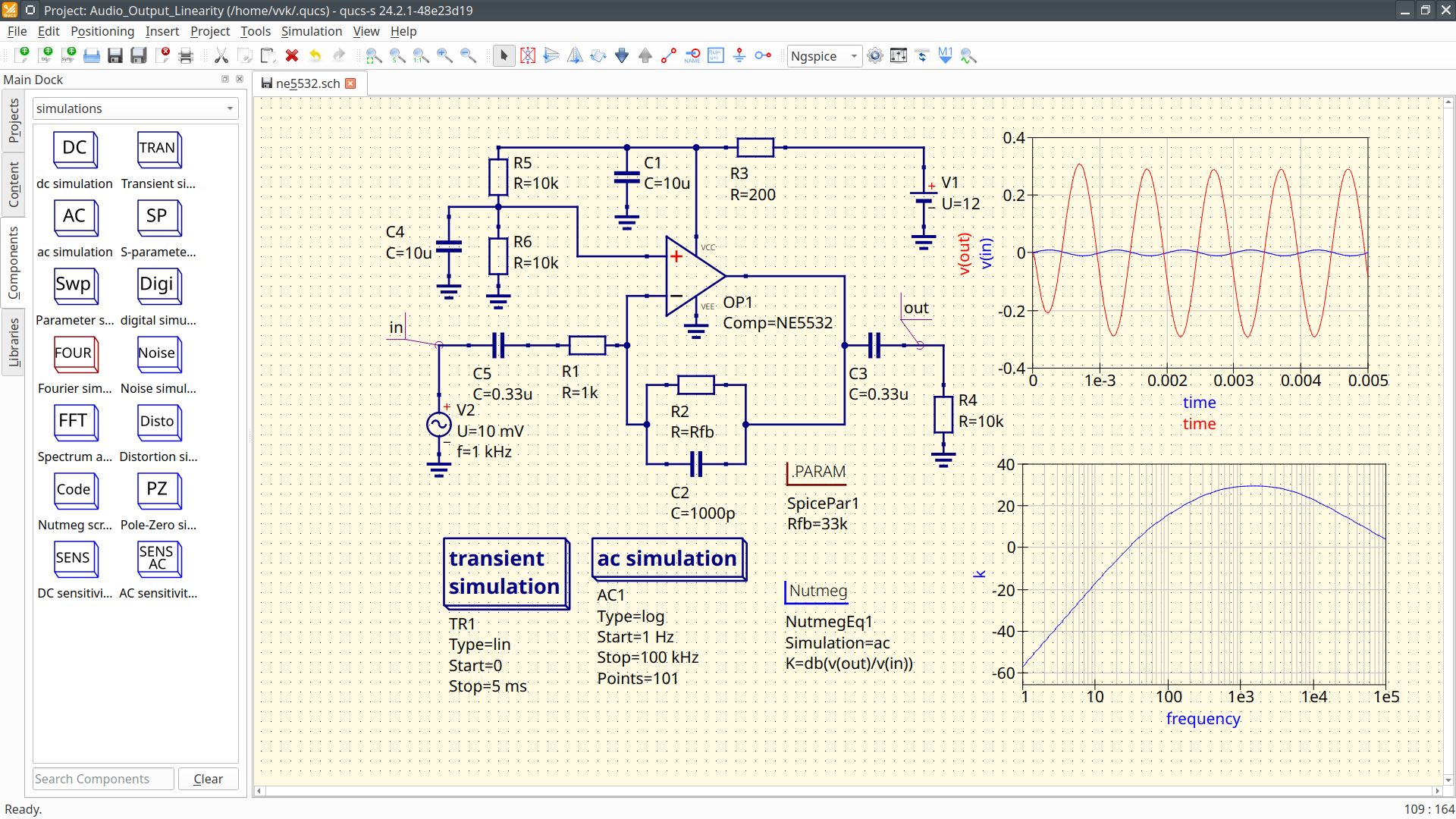
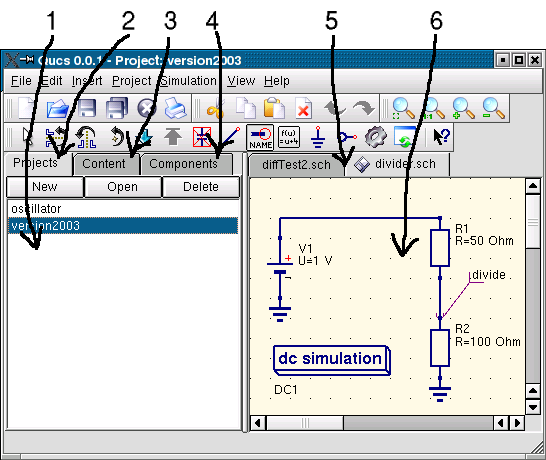
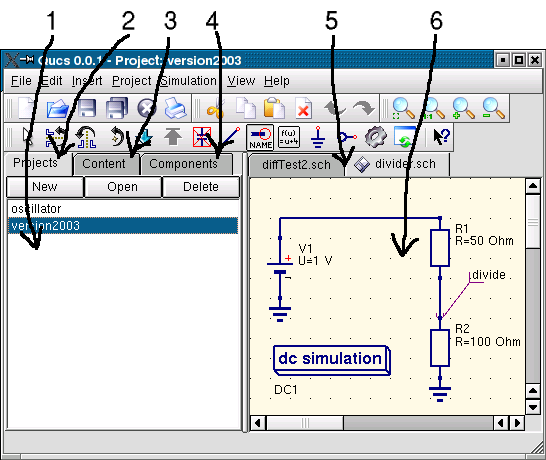
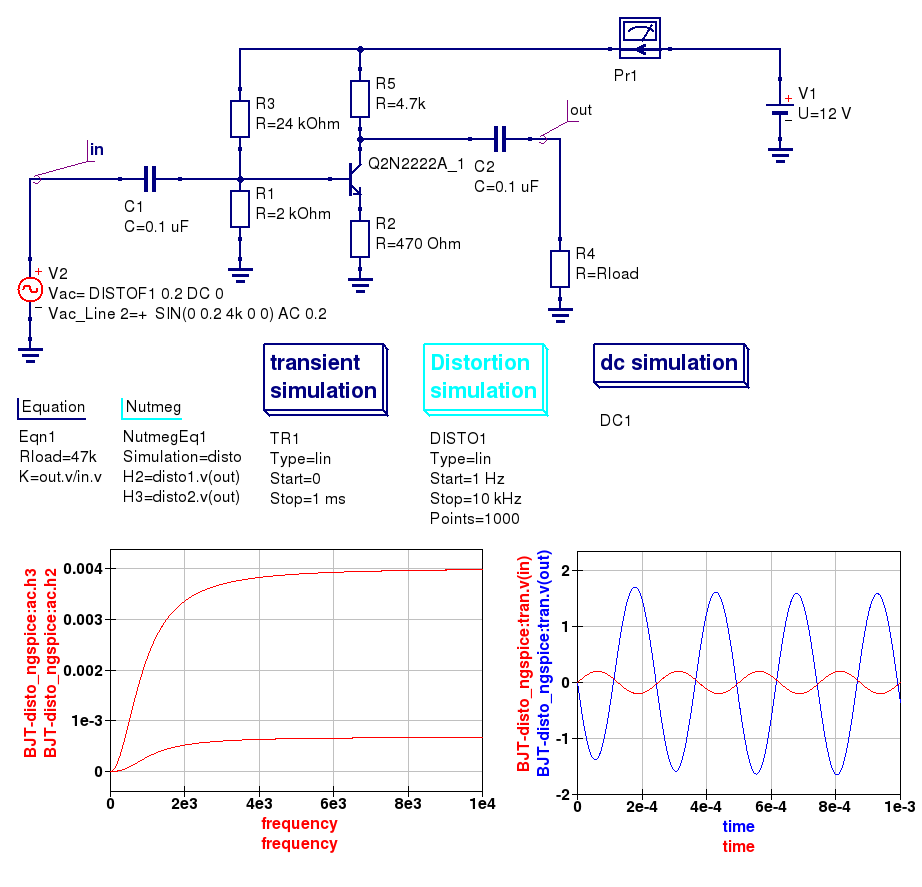
- 2. Qucs (Quite Universal Circuit Simulator) — Free, open-source, supports analog and digital circuit simulation (DC, AC, transient, noise, etc) with GUI front-end. ([sourceforge.net][2])
- 
- 
- 
- 
- 
- 
- * **Why good**: Open source, decent functionality for analog circuits.
- * **Consideration**: Might have fewer ready-made device models compared to bigger commercial tools; the GUI may feel less polished.
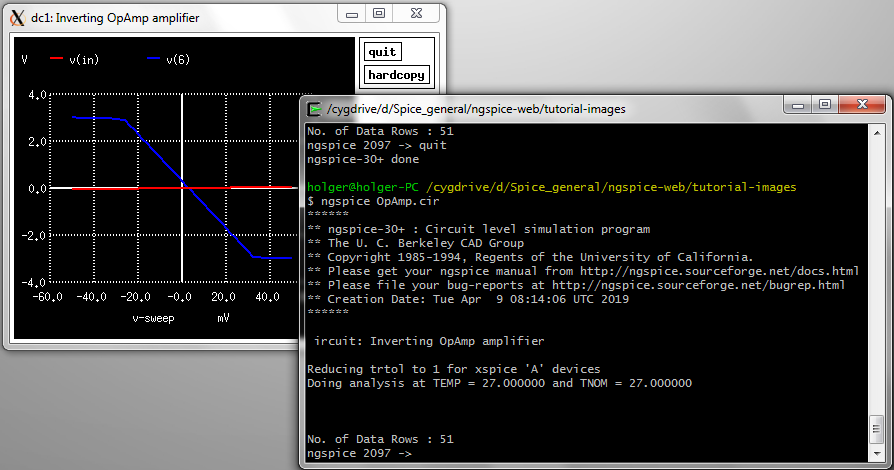
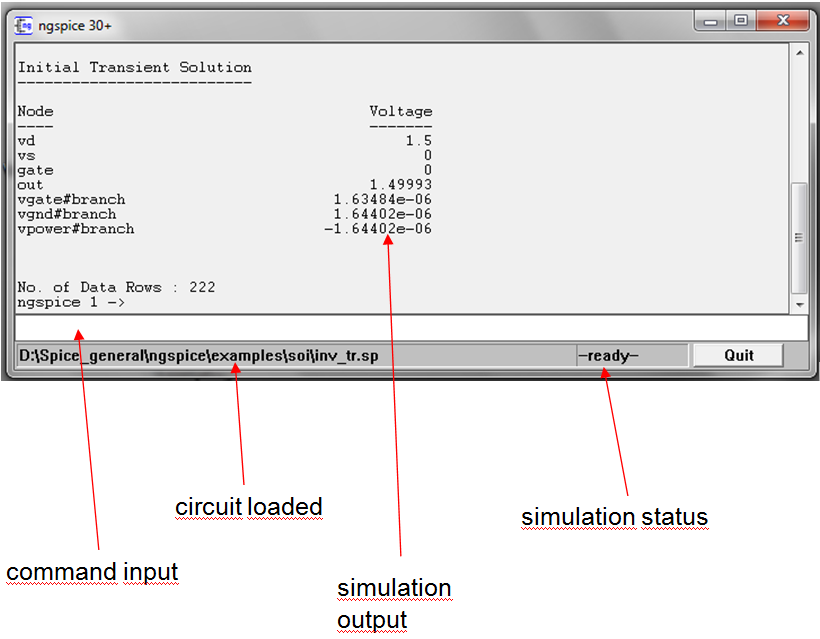
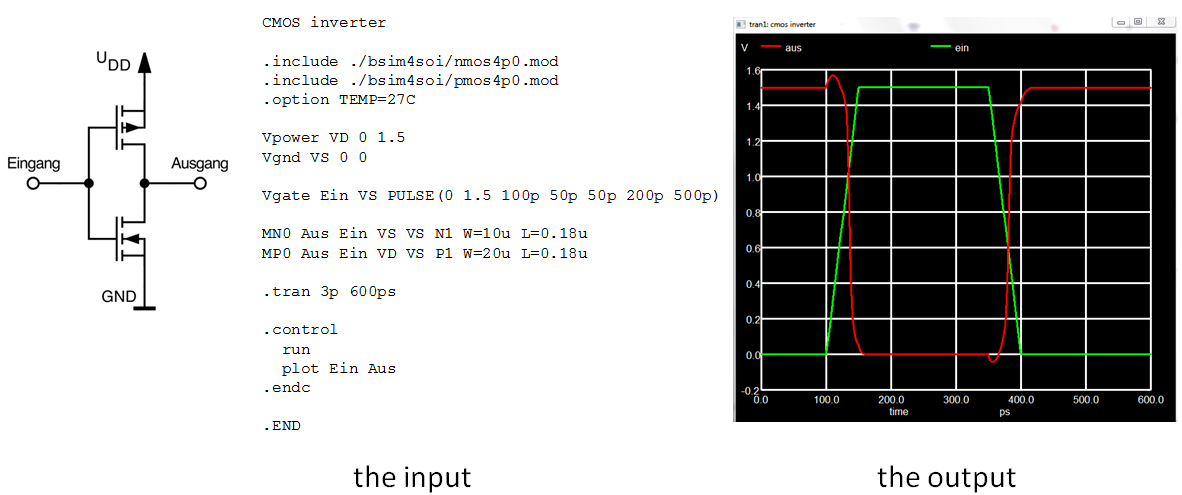
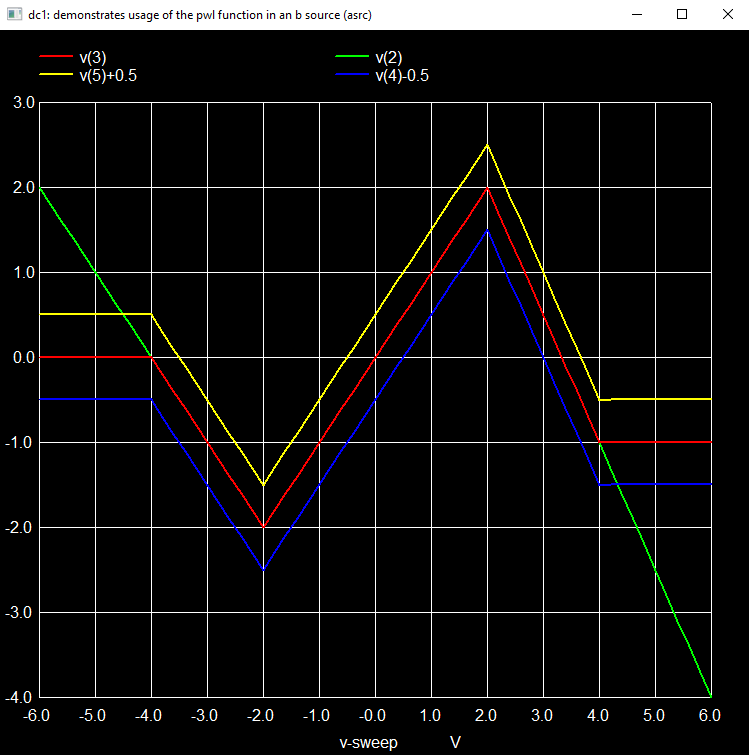
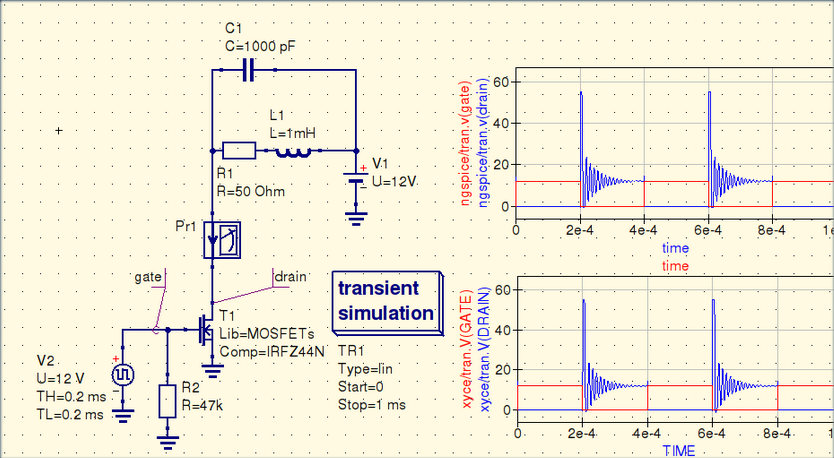
- 3. Ngspice — An open-source SPICE simulator (engine) that runs on many platforms. Good if you like scripting or want maximum flexibility. ([ngspice.sourceforge.io][3])
- 
- 
- 
- 
- 
- 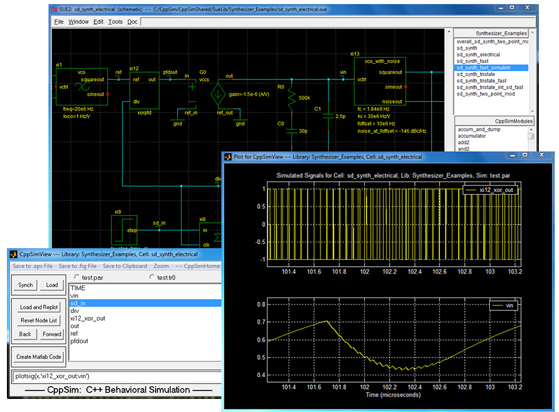
- * **Why good**: Very flexible, you can integrate into your own workflows or scripts (good for deeper engineer-philosopher reflection: you can peel back the solver/algorithm).
- * **Consideration**: Less “drag-and-drop” friendly — more manual setup of netlists and component models.
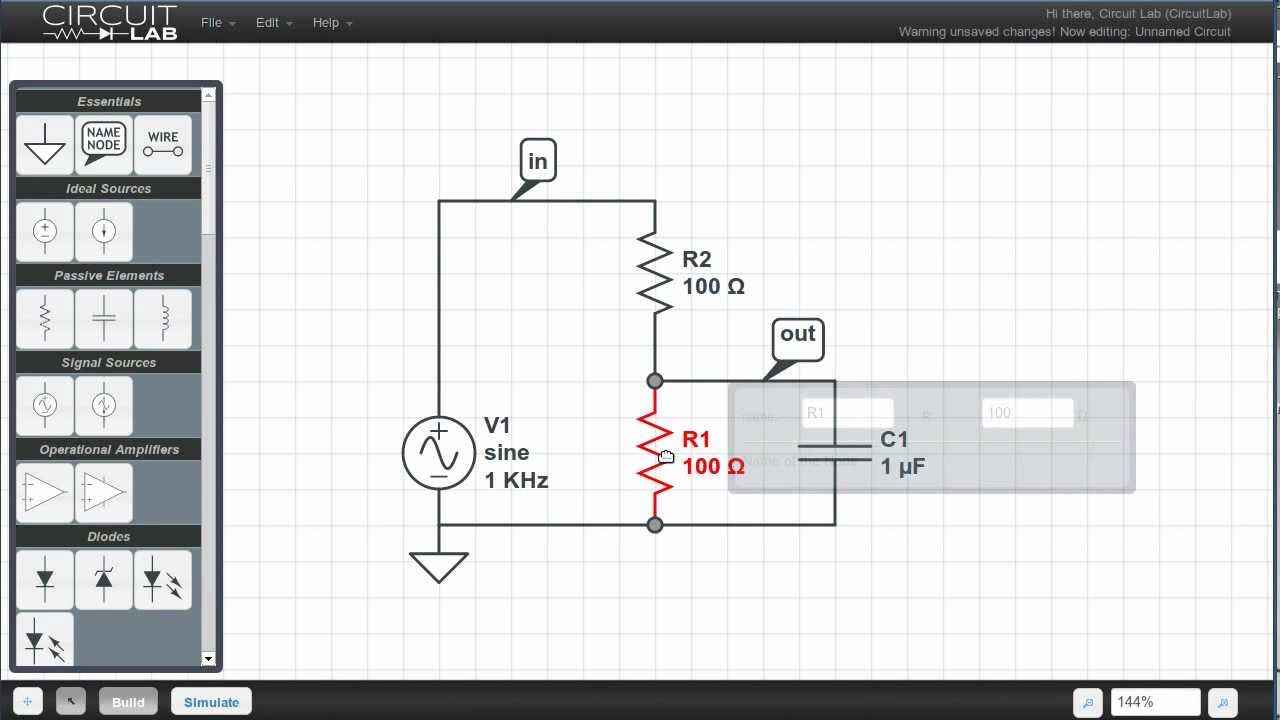
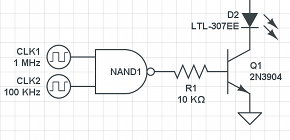
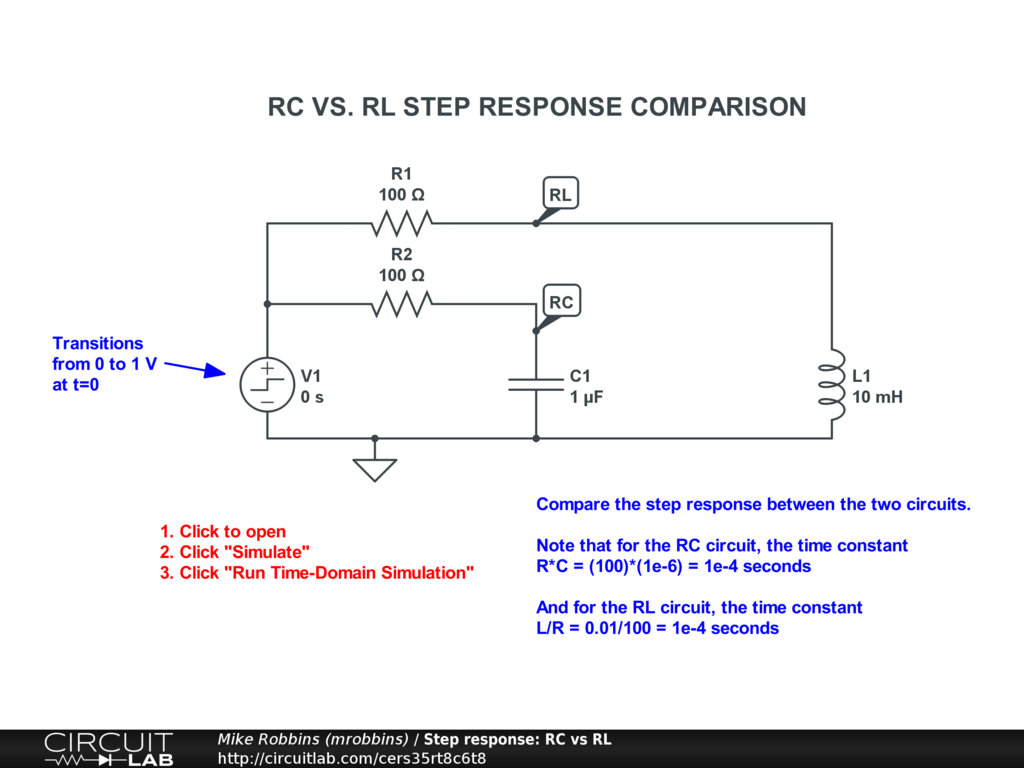
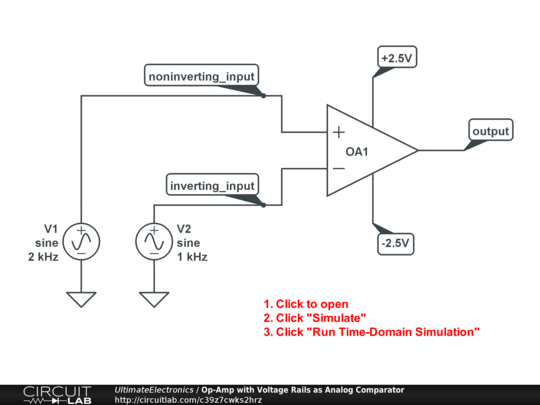
- 4. CircuitLab — A browser-based simulator with schematic editor + analog & digital simulation. ([CircuitLab][4])
- 
- 
- 
- 
- 
- 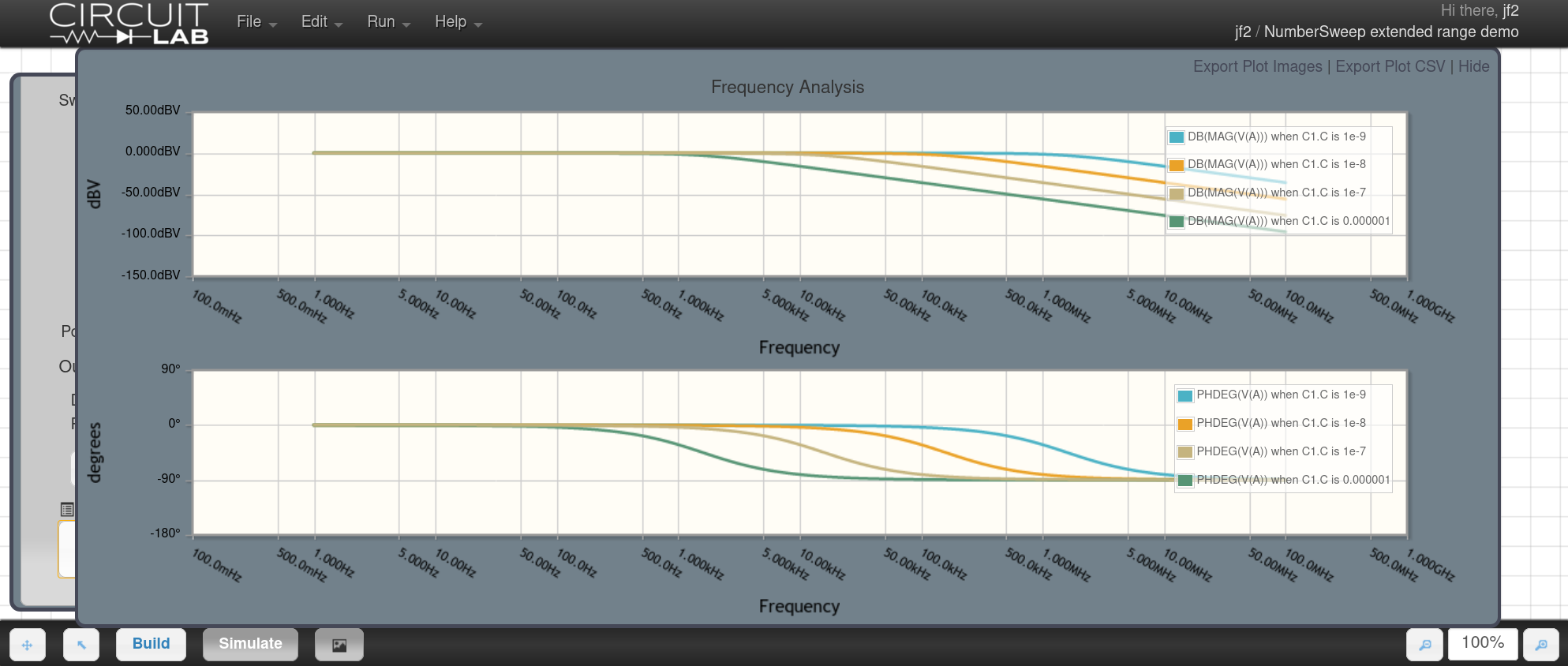
- * **Why good**: Very easy to get started, good for prototyping or quick ideas.
- * **Consideration**: Some features may be limited in the free tier; browser‐based means you rely on internet access.
- ---
- ### 🔍 How to choose (given your goals)
- Since you’re an engineer and philosopher, you might care not only about “does it work” but “why it works” and how the underlying simulation behaves. So here are some guiding questions:
- * Do you want **full control** (netlists, SPICE commands, custom models) → go for something like Ngspice or Qucs.
- * Do you want **quick setup** with GUI and pre-built models so you can focus on circuit behaviour → LTspice or CircuitLab.
- * Are you interested in educational or exploratory analog circuits (gain, distortion, transient phenomena, feedback loops) → pick a tool with good waveform viewer and analysis options (LTspice is strong).
- * Are you interested in **open-source / transparent solver** for philosophical/algorithmic insight → Qucs + Ngspice are good.
- ---
- If you like, I can **list 10+ free simulators**, compare their strengths/weaknesses (platforms: Windows/Mac/Linux), and highlight which are best for analog guitar-pedal style circuits (since you mentioned a pedal project). Would that be useful?
- [1]: https://www.analog.com/en/resources/design-tools-and-calculators/ltspice-simulator.html?utm_source=chatgpt.com "Download LTspice | Analog Devices"
- [2]: https://sourceforge.net/projects/qucs/?utm_source=chatgpt.com "Quite Universal Circuit Simulator download | SourceForge.net"
- [3]: https://ngspice.sourceforge.io/?utm_source=chatgpt.com "Ngspice, the open source Spice circuit simulator - Intro"
- [4]: https://www.circuitlab.com/?utm_source=chatgpt.com "CircuitLab: Online circuit simulator & schematic editor"
Advertisement
Add Comment
Please, Sign In to add comment
